Temporary Numbers for Telegram Verification: What to Know
Understand Telegram's SMS, email and existing-session verification prompts before you order and track a verification number.
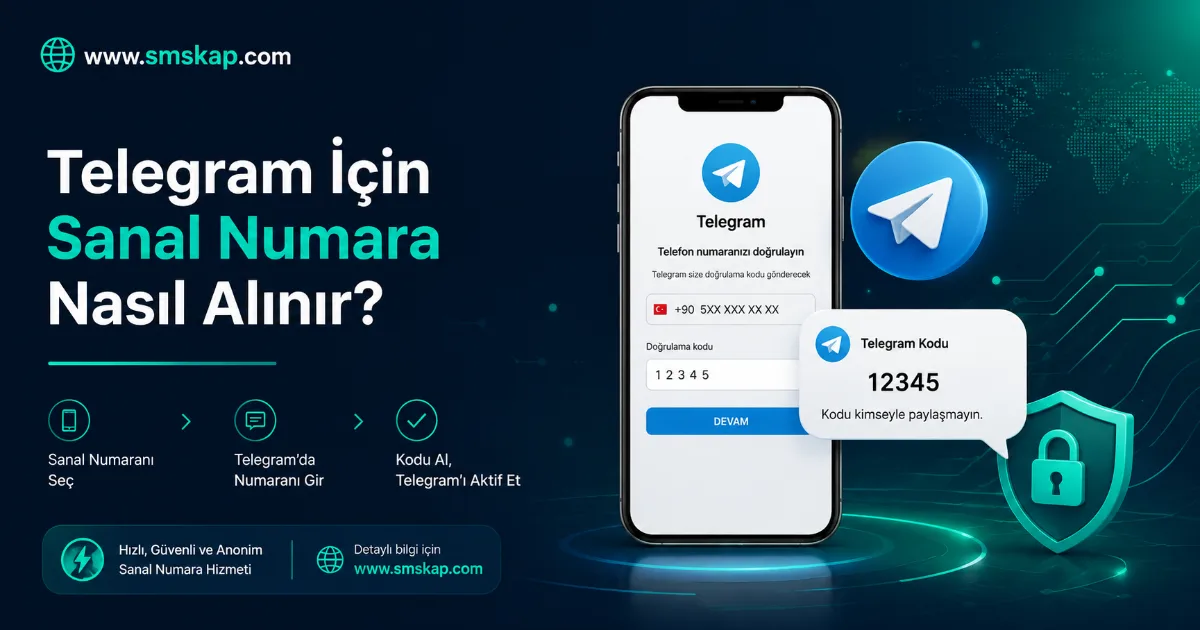
Telegram can use different verification channels depending on its security checks and the account state. Select Telegram only when it is appropriate for your lawful use and follow the method Telegram displays. An allocated number cannot force Telegram to use SMS or approve an account.
Enter the number with care
Copy the allocated number from the active order and check the country code before submitting it to Telegram. A duplicated or missing country code can send the verification attempt to the wrong destination or cause the platform to reject the number.
SMS, email and existing sessions are different
Telegram may send a code by SMS, ask for an email address or deliver a code to another signed-in Telegram session. Only an SMS sent to the allocated phone number can appear in the SMSKap order screen. Email and in-app codes remain in the channel Telegram selected.
Keep the flow controlled
Wait for the stated time after requesting a code. Repeated requests, frequent device changes or sudden network changes can increase platform security checks. Do not share a code or a sign-in link with another person.
Review cancellation conditions when needed
If Telegram did request an SMS and it does not arrive, keep an eye on the order timer and the cancellation option. A request that has switched to email is not evidence that an SMS message was sent to the allocated number.
Get help with the right details
For a delivery issue, share the order reference, country and the verification channel shown by Telegram with support. Never share your password, SMS code, email code or recovery information.