Managing Multiple Telegram Accounts Safely with Physical SIM Numbers
A practical walkthrough on setting up secondary Telegram profiles for community management and privacy without exposing your personal phone number.
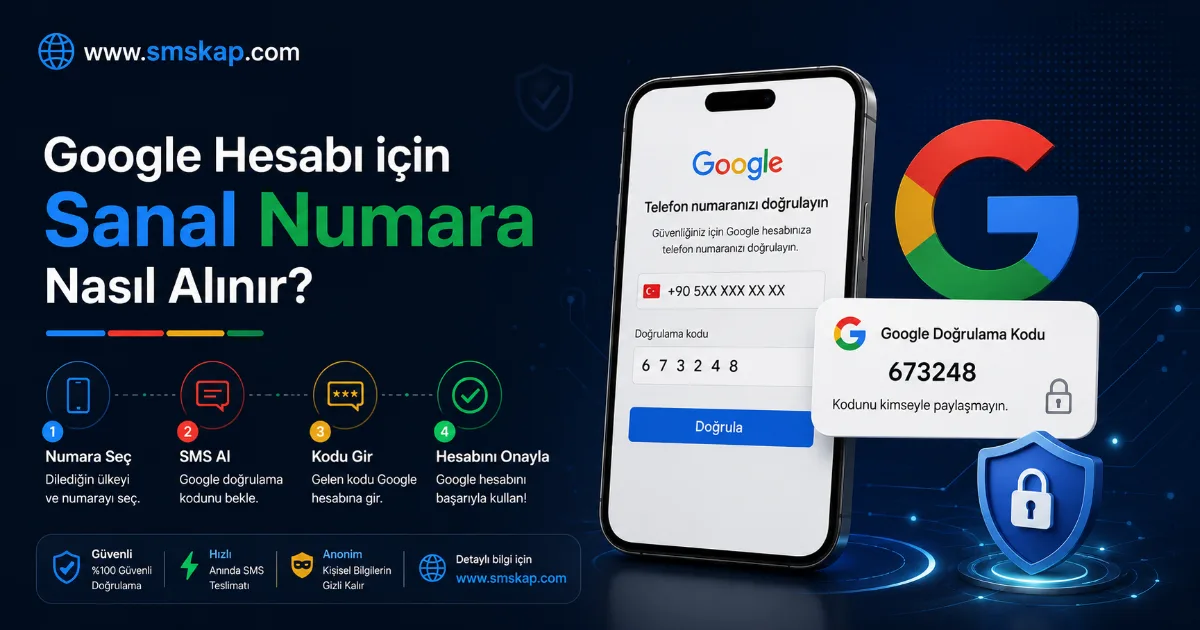
Telegram allows users to run up to three accounts concurrently on a single official app. To separate professional work, crypto communities, and private contacts, dedicated virtual phone numbers offer complete privacy.
Why Physical Carrier SIMs Matter for Telegram
Telegram actively flags numbers originating from public virtual VoIP apps. These flagged numbers often face immediate account termination or failure to receive the initial SMS login code. SMSKap supplies genuine physical SIM lines across Turkey, the UK, and the US, ensuring reliable delivery.
Setting Up Your Second Telegram Account
- Open Telegram, open the menu, and tap 'Add Account'.
- Select your desired country on SMSKap (e.g., UK +44 or TR +90) and allocate a Telegram activation.
- Enter the phone number into Telegram.
- If Telegram sends an SMS, read the code directly from the SMSKap web dashboard or the official Telegram bot (@SmsKapEngBot).
- Complete the profile setup with your chosen username.
Crucial Step: Enable 2-Step Verification
Immediately after logging into Telegram: 1. Go to Settings > Privacy and Security > Two-Step Verification. 2. Set a strong cloud password and recovery email. 3. This ensures that only you can ever access this Telegram session, providing permanent ownership and peace of mind.